
*by Thomas Banks, Product Marketing Specialist at Shure Incorporated
*
Filming is a two way street: you’re not only capturing an image, but you’re also recording dialogue, background noise or some other type of audio that helps to bring your visuals to life.
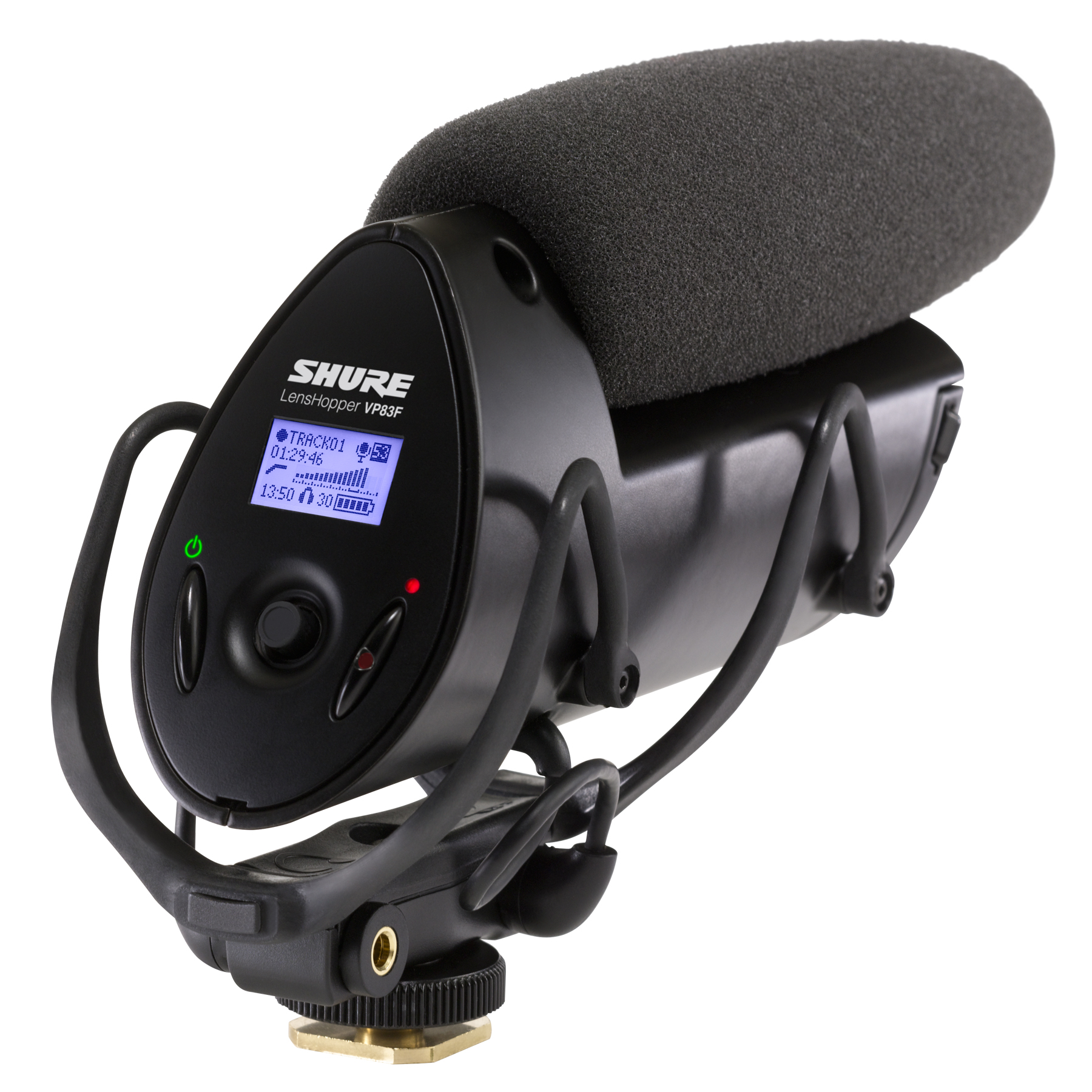
With this, you probably understand that recording quality sound is a critical piece of creating a well-rounded, viewer-friendly video. To document clear, crisp sound and eliminate unwanted background noise (such as humming or buzzing), consider using a rock-solid DSLR camera-mount condenser mic, such as the Shure VP83F LensHopper™.
In case you didn’t know, camera-mount shotgun mics are set directly on top of the camera, and therefore require no boom operator. One of the unique benefits of the VP83F is that its 1/4" threaded base and integrated recorder allows you to place the mic closer to the source, unlike other camera-mount mics. This type of microphone is a particularly excellent choice when looking to capture audio using a DSLR due to its ability to reject sound to the sides and rear, honing in on whatever sound is directly in front of the front of the mic. The VP83F works with DSLR cameras as well as HD camcorders, and is the only shotgun mic with an integrated audio recorder, which helps users avoid the notoriously hissy sound that DSLRs produce. For durability and stability, the mic is also equipped with an integrated shock mounting system that provides robust isolation from unwanted noise.
**
Here are tips for achieving quality audio for video:**
1. If you’re in a windy, outdoor location use a windscreen accessory, such as the Rycote Windjammer. This will avoid distracting background noise caused by wind and can also help protect the microphone from Mother Nature. Effective wind protection is absolutely necessary for outdoor environments.
2. Take advantage of the mic’s low-cut filter switch. This will allow the director to filter out undesirable and distracting low-frequency sounds that can impact the overall quality of the audio. The filter switch also helps reduce wind and handling noise.
3. Be aware of the camera’s rear lobe. The polar pattern has the ability to pick up sound through the back of the camera, and the camera operator should be conscious of this—if they aren’t already—to avoid the mic picking up any unwanted background chatter from behind the camera
4. Avoid aiming the mic at a hard surface, such as a tile floor, brick wall, or hard ceiling. These surfaces reflect sound waves, and may reflect background noise into the microphone or cause the sound to be slightly hollow.
5. Remember, there is no zoom feature on a microphone. There’s a 6 dB drop in level every time you double the distance. Whatever and however you’re shooting, keep the microphone close to the sound source.
images courtesy of Shure and Nationwide Video Productions